
The Client accounts tab is the agency’s working directory. It lists the HighLevel accounts GridLane can manage and lets you organize them for filtering, reporting, and capture.
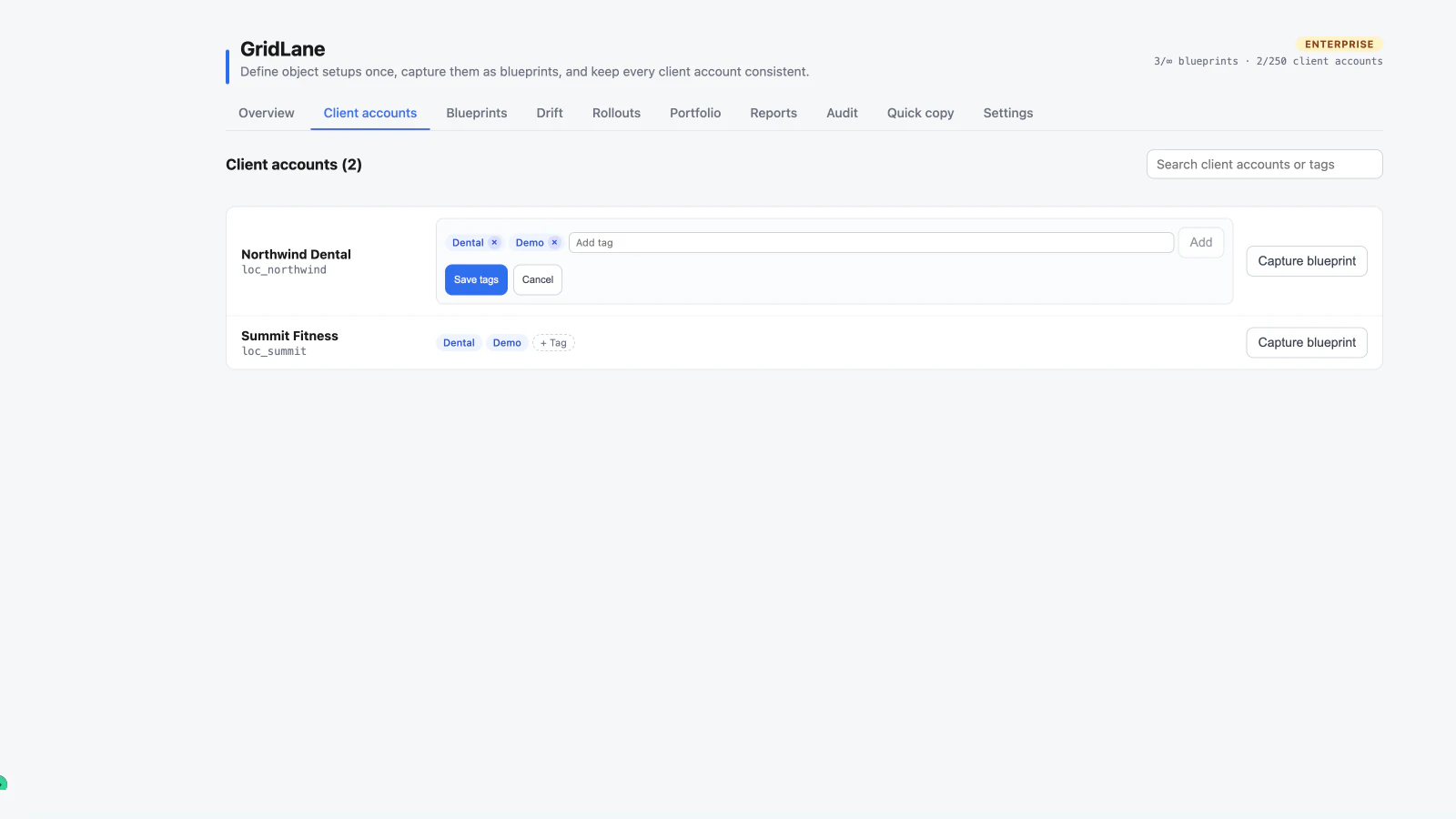
Search accounts
Use the search box to match a client-account name, location ID, or tag. The same tag search is available when selecting rollout targets.
Add and edit tags
Tags are agency-side labels stored by GridLane. They are not written to HighLevel sub-account tags.
- Find the client account.
- Choose + Tag.
- Type a tag and press Enter, comma, or choose Add.
- Remove a tag with the × on its chip.
- Choose Save tags.
You can type a tag and choose Save tags without first choosing Add; the pending value is included. Tags are deduplicated, can be up to 40 characters, and are limited to 20 per account.
Tags are useful for reporting filters and for grouping accounts before a rollout. They are included in the agency audit log when changed.
Capture from an account
Choose Capture blueprint on an account row to use that account as a blueprint source. You can choose specific objects during capture; only selected objects and their related configuration are included.
Account syncing
GridLane caches the client-account directory and refreshes it from HighLevel when the directory is stale. If a newly created HighLevel sub-account does not appear immediately, refresh the page or reopen the Agency console.
What GridLane cannot do
GridLane cannot create a new HighLevel sub-account. Create the account in HighLevel first, then bring it into the agency workflow.